A game trailer needs to communicate an experience in a short sequence of views. A viewer should understand what the player does, what makes the setting distinctive, and where to go next. Dramatic editing helps when it supports those answers. It becomes less useful when the viewer remembers the music but cannot describe the game.
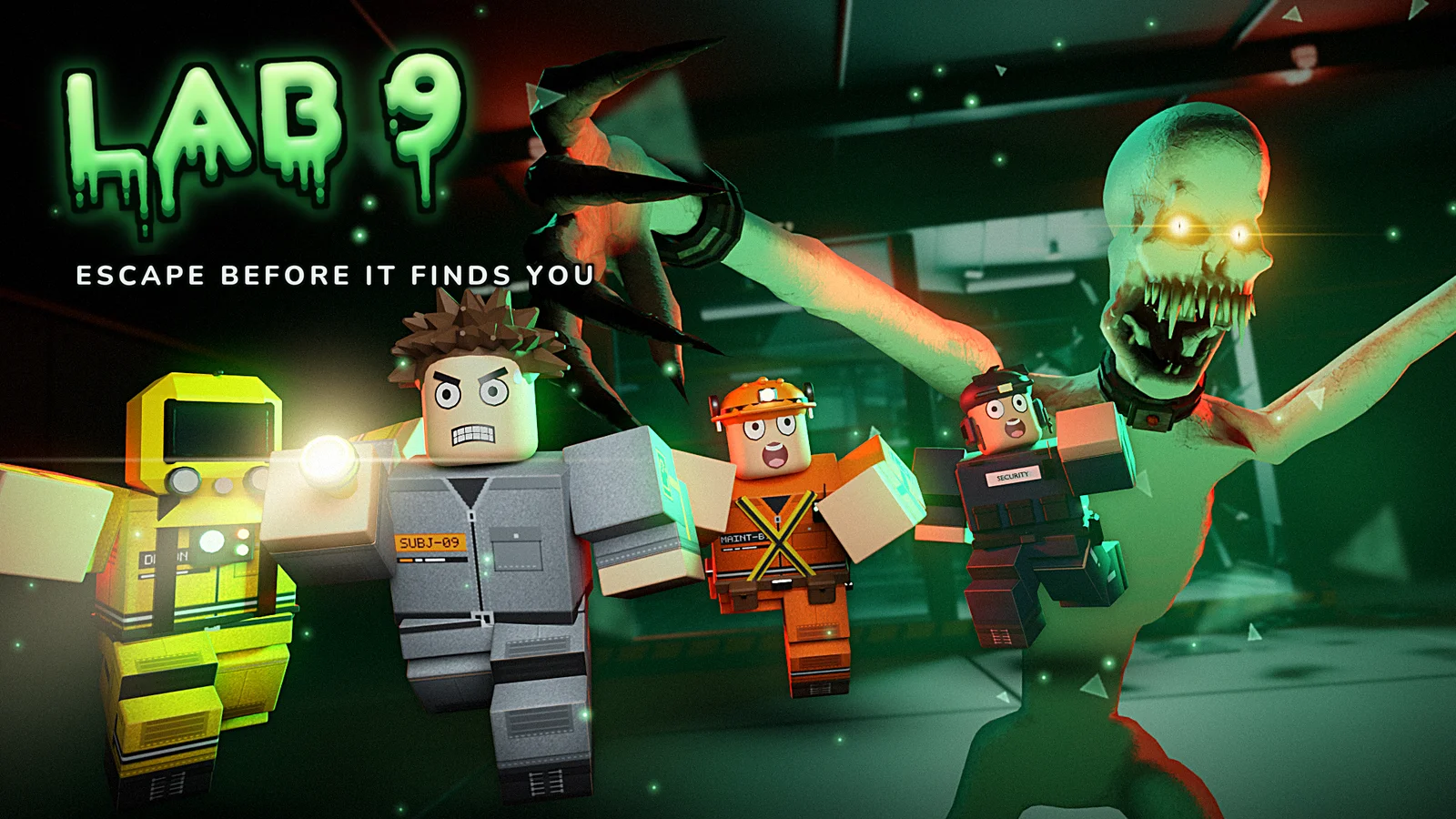
The Dinks portfolio includes authentic trailers for Lab 9 and Slayer: Gemstone Crab. This guide explains how to plan a gameplay-focused trailer. It does not claim those videos were produced using a particular shot list, editing tool, or measured conversion strategy.
Write the viewer’s questions first
Before collecting footage, list what the viewer needs to understand. What activity is central? Is the game cooperative, competitive, or solo? What platform and release state apply? What makes the world worth exploring? These questions form a brief for the video.
Choose one main promise. A trailer for a sound-aware escape game should show enough of that relationship to make the premise concrete. A trailer for a shared boss game needs to communicate participation and scale. Trying to explain every feature with equal emphasis can leave none memorable.
Write a one-sentence description of the intended takeaway. If the shot list does not support that sentence, revise the sequence before polishing transitions. Game landing page content uses the same premise, so the trailer and page can reinforce each other instead of presenting two different versions of the project.
Show a meaningful action early
A logo can establish identity, but it does not explain gameplay. Show an action with a recognizable consequence early enough that viewers know what they are watching. The action should represent the real activity rather than an isolated spectacle that rarely occurs.
Choose footage where the relationship is readable. A player moves, interacts, attacks, escapes, or makes a decision, and the result is visible. A chaotic close-up may look energetic while hiding the controls and objective.
Give the viewer a moment to understand the shot before cutting. The right duration depends on its information, not a universal editing rule. A simple action can read quickly; a coordinated encounter may need a wider setup. The purpose of the opening is to earn attention through a clear experience, then use that attention to reveal more.
Build a shot list with a job for each view
Assign a role to each planned shot: establish place, show the main action, explain a variation, reveal a threat, or connect to the next step. This prevents collecting many attractive clips that all communicate the same thing.
Include a mix of useful views. A wide shot can explain geography or a shared encounter. A closer shot can show feedback or a distinctive interaction. A brief interface view may answer an important progression question. The mix should serve the premise rather than follow a fixed cinematic formula.
For Lighthouse Keeper, for example, a hypothetical plan could establish isolation, show the keeper’s responsibility, and suggest the significance of the light. Those are planning roles, not a promise of particular scenes. Authentic captured footage should determine what can be shown accurately.
Keep the game readable in the edit
Effects and transitions should not obscure the information the shot was chosen to convey. If the important moment is an attack warning, a dramatic flash at the same time may hide it. If the important moment is movement through an arena, frequent cuts can prevent viewers from understanding the route.
Watch the video without sound. The central activity should still be recognizable where possible. Then listen without watching to understand whether the audio sequence has a useful progression. These comparisons help identify places where presentation overwhelms communication.
Review the trailer at the size people are likely to see on a website or phone. Small text and distant targets may become unreadable. Mobile interface design addresses similar viewing constraints in play. Promotional footage needs its own size check even when the full game looks clear on a large development monitor.
Use text for missing context
Text can clarify the platform, group size, premise, or release status. It should fill a genuine information gap rather than repeat what the image already makes obvious. Keep each message short enough to read within its actual screen time.
Avoid making unsupported promises. “In development” and “playable alpha” communicate different states. A planned itch.io release should not be presented as an available download unless a real listing exists. Accurate wording builds trust before the viewer leaves the portfolio.
Make the text visually consistent with the project while preserving contrast. A decorative font can fit a horror setting but still be difficult to read in a short shot. Test readability with someone unfamiliar with the words. Familiarity makes editors more likely to overlook a message that passes too quickly.
Capture footage that matches the public build
Use authentic footage and keep a record of the build it represents. If an important feature changes, review whether the trailer still communicates the current experience. A trailer can remain visually strong while becoming inaccurate as development progresses.
Avoid staging footage that implies an unsupported capability. A camera angle used for presentation can be acceptable when the game experience remains honestly represented, but a viewer should not be led to expect a different mode or mechanic.
Check the footage for distractions: unintended overlays, private information, placeholder labels, or visible errors. This is a practical capture review, not an instruction to hide material limitations. If a project is early, communicate its state clearly and choose clips that show the working promise of that stage.
End with one accurate next step
The final frame should tell the viewer what they can do now. Play a released game, visit the official website, or follow a project in development. A crowded collection of social links can dilute that instruction.
Match the destination to the video’s context. A trailer embedded on the Lab 9 page can sit beside its verified Roblox link. A standalone video may need a visible destination. The viewer should reach a page that confirms the same title, artwork, premise, and status.
Do not ask for an action the audience cannot complete. A future store page, unannounced release date, or missing download creates a broken handoff. Portfolio information architecture examines how those handoffs fit the broader site journey. The trailer’s job continues through the next page, not only until the music ends.
Review comprehension before adding polish
Show a rough cut to someone unfamiliar with the project and ask them to describe what players do. Ask which detail they remember and where they would go next. Their explanation reveals whether the sequence communicates its promise.
Use the method in actionable feedback to locate specific misunderstandings. If viewers miss the cooperative element, another meaningful group shot may help more than a louder title card. If they misunderstand release status, revise the wording and destination together.
A strong trailer gives every shot a purpose and every promise an accurate source. It can be exciting, atmospheric, and concise while remaining informative. Planning those relationships first makes the later work of capture, editing, and visual polish more focused and gives the viewer a clear reason to take the next step.
A simple rough-cut exercise
Arrange the planned clips without decorative transitions and add only the essential context text. Watch whether the sequence still explains the game. If it does not, identify the missing information before spending time on polish.
Give each clip a short label describing what the viewer learns. Two adjacent clips with identical labels may be redundant; a sudden change with no connecting information may need a setup shot. This exercise makes the trailer’s logic visible and gives later editing choices a purpose. It also helps distinguish a dramatic moment that supports the promise from one that is attractive but unrelated to the experience the video needs to communicate.